AI & ML
AI-Powered Software Development vs Traditional Coding: What Actually Ships Faster?
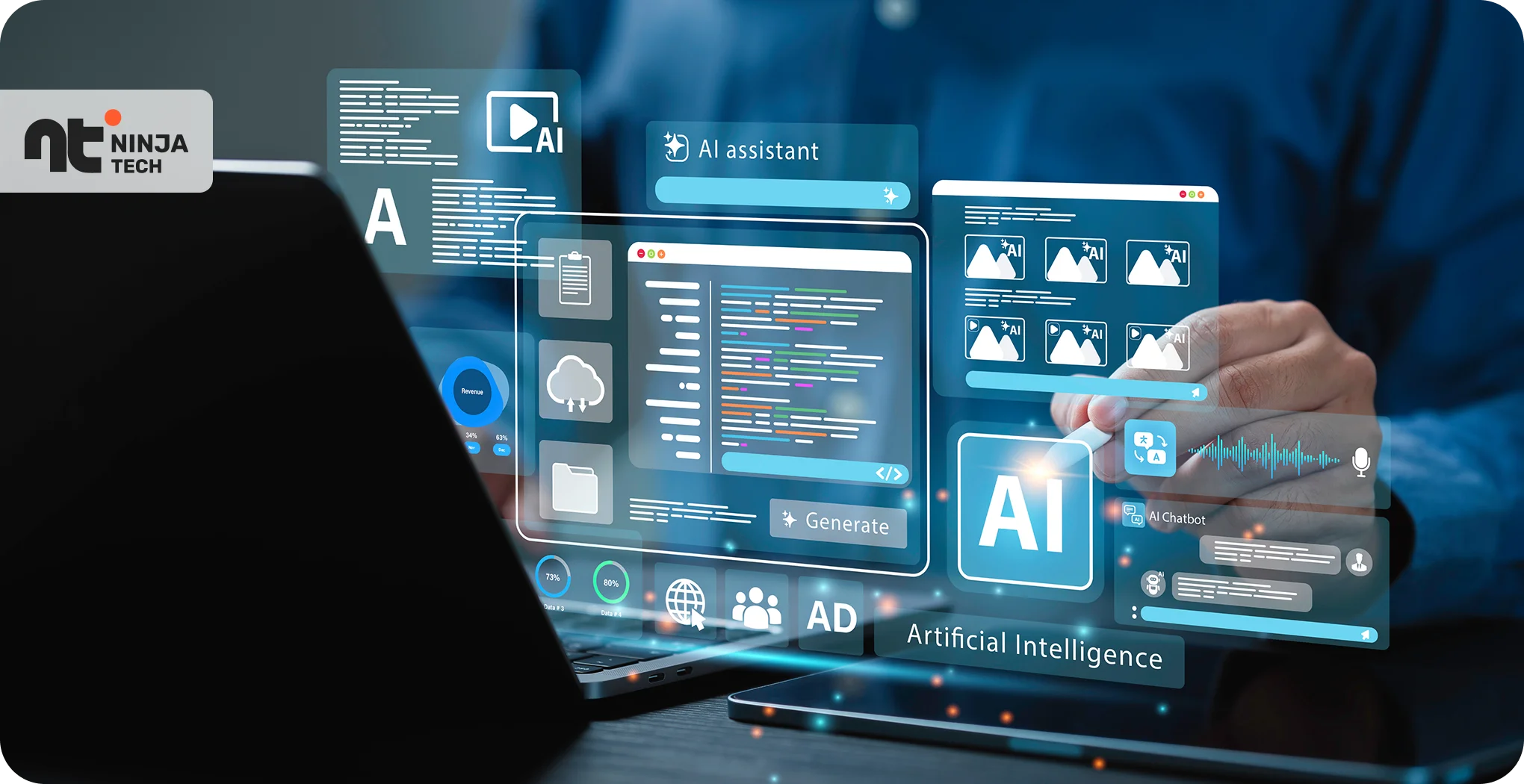
A solo developer shipped a working MVP last year in 72 hours using AI coding tools — the same scope had previously taken her five-person team two full sprints. That’s not a one-off story anymore.
The honest answer is: AI-assisted development ships faster on most well-defined work, but faster isn’t always better, and the gap closes or reverses depending on what you’re building. The biggest AI software development trends of 2026 aren’t about replacing engineers — they’re about changing where speed actually lives in the pipeline. What you’ll walk away knowing is exactly when each approach wins, where the real risks hide, and how high-performing teams are making that call.
AI Software Development in 2026: How AI Pipelines Compress Timelines
The speed advantage of AI-assisted development is real, and it’s not subtle. GitHub’s research found that developers using Copilot completed tasks up to 55% faster on well-defined problems — not because AI writes better code, but because it eliminates the cognitive overhead of routine work.
Here’s where that time actually goes in a traditional workflow: writing boilerplate, switching to documentation tabs, searching for the right library method, writing test stubs you already know the structure of. AI tools handle all of that inline, in context, without breaking your flow.
The compounding effect matters too. AI-powered software testing — which uses machine learning to generate and run test suites from code context, rather than requiring manually written scripts — goes well beyond unit tests. It generates regression suites, surfaces edge cases you might miss at 4pm on a Friday, and does it in minutes rather than hours. Across a sprint, that’s not a small productivity delta. It’s often the difference between shipping and carrying work forward.
And this pattern holds across the industry. One of the most concrete shifts that AI software development trends in 2026 have produced: the productivity floor for individual developers has risen significantly. A mid-level engineer with good AI tooling can now output what previously required a senior engineer and a junior working in tandem.
Where Traditional Workflows Still Hold the Clock
That said, the 55% speed advantage assumes the problem is well-defined. Change that assumption, and the math changes completely.
Building a custom financial reconciliation engine with domain-specific edge cases, a novel distributed system architecture, or a compliance-heavy healthcare data pipeline — these aren’t boilerplate problems. AI tools struggle with ambiguity, hallucinate on unfamiliar library versions, and can’t reason from first principles when there’s no pattern to match against.
Experienced engineers who’ve built similar systems before will outperform AI-assisted workflows on these problems. Not because AI is useless, but because the problem doesn’t fit the tool.
The practical takeaway: if you can clearly define the inputs, outputs, and constraints of a feature before writing a line of code, AI will accelerate it. If you’re still figuring out what the feature should even do, slow down and think first — AI won’t do that thinking for you.
Shipping Fast Means Nothing If It Ships Broken — or Vulnerable
Speed is meaningless if the thing you shipped has a SQL injection vulnerability, a broken auth flow, or a dependency that doesn’t exist. This is where the AI-vs-traditional debate gets genuinely complicated.
AI-generated code is fluent. It looks right. It often passes a casual code review because it follows the patterns reviewers expect. But fluent-looking code with subtle logic errors in edge cases is almost worse than obviously broken code — you won’t catch it until a user does.
The security picture is more concerning. AI tools trained on public code repositories learn from public code — which includes a lot of insecure code. PHP security vulnerabilities continue to be among the most frequently exploited attack vectors in 2026, and AI-generated PHP code has a documented tendency to replicate patterns like deprecated mysql_* functions, improper input sanitization, and unsafe file inclusion — particularly when prompts aren’t carefully scoped.
Beyond individual code quality, there’s a broader category of AI cybersecurity threats in 2026 worth understanding:
- Dependency hallucination: AI tools sometimes suggest packages that don’t exist — or that have been registered by bad actors specifically to catch AI-generated import statements
- Prompt injection in AI-integrated applications, where user input manipulates the AI’s behavior in unintended ways
- Insecure defaults baked into AI-generated configuration files, particularly for auth, CORS headers, and session management
- Supply chain risk from over-trusting AI-recommended third-party libraries without auditing them first
Any team shipping with AI assistance needs a website security checklist running in parallel with the development pipeline — not as an afterthought at the end. At minimum, that checklist should cover:
- Input validation and output encoding at every system boundary
- Authentication and authorization checks on all protected routes
- Secrets management — no hardcoded credentials, no
.envfiles in repos - HTTPS enforcement and secure header configuration
- Dependency auditing on every new package before it’s added
- Static analysis (SAST) on every pull request
AI-Powered Threat Detection as the Counter-Balance
Here’s the thing most security discussions miss: the same AI capabilities creating new risks are also being applied to catch them.
AI-powered threat detection tools use machine learning to identify vulnerabilities, flag anomalous behavior, and catch dependency risks in real time — and unlike rule-based scanners, they can surface novel attack patterns that no predefined ruleset anticipated. These tools are now embedded directly in CI/CD pipelines, running static analysis, identifying anomalous commit patterns, and flagging known vulnerability signatures before anything reaches production.
Teams that deploy AI on both sides — development and security review — end up in a more defensible position than teams relying on either alone.
Early signals from enterprise security vendors suggest AI-augmented SAST tools catch 30–40% more vulnerability classes than rule-based scanners alone. That’s a meaningful number when you’re shipping fast.
What AI-Assisted Development Actually Does to Engineering Teams
The loudest discourse around AI coding tools — that they’ll replace developers — misses what’s happening on the ground in most engineering organizations.
AI tools raise individual output ceilings. They don’t eliminate the need for architectural judgment, stakeholder communication, system debugging, or the kind of institutional knowledge that lets a senior engineer say “we tried this in 2022 and it failed for reasons the AI can’t know about.” Those capabilities aren’t going anywhere.
What’s shifting is role distribution. Junior developers who learn AI tooling effectively are closing the productivity gap with mid-level engineers faster than any previous generation of tools allowed. Senior engineers, meanwhile, spend more time on review, prompt strategy, and system design — which is arguably where their time should go anyway.
One infrastructure shift worth paying attention to: the rapid expansion of AI data centres in India is materially changing the cost and accessibility of AI development tooling for distributed and offshore engineering teams. What was once viable only for well-funded startups is increasingly accessible to engineering teams across Bangalore, Hyderabad, and Pune. That’s a meaningful shift in who gets to compete.
Project Type Matters More Than You Think
The right workflow depends heavily on what you’re building:
| Project Type | Best Approach | Why |
|---|---|---|
| Greenfield SaaS product | AI-assisted | Well-defined scope, standard patterns, speed advantage is clear |
| Legacy codebase modernization | Traditional-first, AI for refactoring | Context and institutional knowledge outweigh generation speed |
| Security-critical systems (fintech, healthcare) | Hybrid | Human judgment required for auth, data handling, compliance |
| Internal tooling / admin dashboards | AI-assisted | High boilerplate, low complexity, fast iteration is valuable |
| Novel architecture / distributed systems | Traditional | Ambiguity breaks AI’s pattern-matching advantage |
The mistake teams make is applying whichever approach is trendy to every problem, rather than asking which approach fits this problem.
It’s Not Either/Or — It’s When to Use Which
The fastest-shipping teams in 2026 aren’t ideologically committed to either approach. They make a practical call based on four factors:
Project novelty — how much of this is pattern-matching vs. original thinking?
Security sensitivity — what’s the blast radius if something ships broken?
Team AI maturity — a team that’s spent six months building prompt discipline and review workflows will get far more from AI tooling than one that installed Copilot last week.
Timeline pressure — counterintuitively, extreme deadline pressure is sometimes a reason to use traditional workflows, not AI. When you don’t have time to review AI output carefully, you’re taking on risk you can’t afford.
The hybrid pipeline most high-performing teams are running looks like this: AI handles code generation and scaffolding, traditional review discipline handles correctness and security, and AI-powered testing and threat detection serve as quality gates before anything ships. That’s not a compromise — it’s the right configuration for most teams building most things.
And track more than time-to-ship. Post-release defect rates, security incident rates, and developer satisfaction all matter. AI wins on the first metric consistently. Whether it wins on the others depends entirely on how the team runs its review and testing process.
Frequently Asked Questions
Is AI-assisted development actually faster than traditional coding?
For well-defined, scope-stable work, yes — often significantly. Research suggests AI coding tools compress task completion time by 40–55% on routine development work like building CRUD APIs, scaffolding components, and writing test stubs. The advantage narrows considerably for complex, ambiguous, or novel architectural problems where human reasoning from first principles outperforms pattern-matching.
What security risks come with AI-generated code?
The main ones are dependency hallucination (AI suggesting non-existent or malicious packages), replication of insecure patterns from training data, and prompt injection vulnerabilities in AI-integrated applications. AI-generated PHP code in particular has shown a tendency to reproduce deprecated and insecure function usage. Running a structured website security checklist — covering input validation, auth, secrets management, and dependency auditing — on every AI-assisted build is non-negotiable.
Does using AI coding tools reduce the need for senior developers?
Not in any meaningful way, at least not yet. Senior engineers’ value lies in architectural judgment, system debugging, stakeholder communication, and institutional knowledge — none of which AI tools replicate well. What changes is where senior developers spend their time: more on review, system design, and prompt strategy; less on boilerplate and documentation lookup.
How does AI-powered threat detection fit into a development workflow?
It works best embedded directly in the CI/CD pipeline — not saved for a quarterly security audit. AI-augmented static analysis tools flag vulnerability patterns, anomalous code changes, and dependency risks automatically on every pull request, catching issues before they reach staging or production. The best implementations treat it as a quality gate, not a compliance checkbox.
Should teams in India adopt AI development tools differently than teams elsewhere?
The tools are the same, but the context is increasingly favorable. The expansion of AI data centres in India is reducing latency and infrastructure costs for AI-integrated development tooling, making enterprise-grade coding assistants and testing platforms more economically accessible. The workflow discipline required to use them well is no different from anywhere else — the barrier is now cost, not capability, and that barrier is coming down fast.
Speed Without Discipline Is Just Technical Debt, Shipped Faster
AI-assisted development is faster. On greenfield work, with a well-scoped prompt, a solid review process, and AI-powered testing in the pipeline — it’s not close.
But teams treating AI tools as a shortcut rather than an accelerator are accumulating security debt, defect debt, and architectural debt at the same impressive speed at which they’re shipping features. That debt comes due.
The question worth asking about your own workflow isn’t “are we using AI?” It’s “are we using AI where it has a real advantage, and holding the line on judgment-intensive work where it doesn’t?” Start with your security review process — specifically, whether your website security checklist runs on every build — and work backward from there. That’s where the real advantage lives.