How to Build a Mobile App from Scratch: Code, Cost, and APIs Explained
Learn how to create a mobile app from scratch in 9 steps — wireframing, API integration,...
A founder I know built their first product on Bubble. Eighteen months in, they had 8,000 users, three investors circling, and a platform physically incapable of handling what came next. The migration to a custom stack cost $85,000 and four months of engineering time — roughly three times what the original build would have cost.
That’s not a horror story about no-code. It’s a story about choosing the wrong tool for the wrong stage.
The honest answer to which path saves you money: it depends on where you’re going, not where you are. This post breaks down the real numbers on custom app development and no-code platforms — the hidden costs both sides tend to gloss over, and a framework to make the call confidently.
Most comparisons pit no-code against custom development as if they’re solving the same problem. They’re not.
No-code platforms — Bubble, Adalo, Webflow, Glide — are visual tools that let you assemble UI-driven applications without writing a single line of code. They’re built for speed: configure logic, connect integrations, and launch. But “no-code” doesn’t mean “no technical decisions.” You’re still making choices about data structure, workflow logic, and third-party integrations. The difference is you’re making them inside someone else’s constraints.
Custom app development is the practice of building a mobile or web application entirely from code — giving your team full ownership over architecture, performance, security, and every future feature. A well-run custom project follows the Mobile App Development Process Steps to Build Your Successful App: discovery, wireframing, design, development, QA, and launch — each phase feeding into the next.
The no-code market has grown substantially since 2022. Industry estimates put the global low-code/no-code market above $45 billion in 2026, with SMB adoption accelerating. That growth reflects genuine utility. But it also reflects a lot of teams who’ll eventually hit a wall they didn’t see coming.
A detailed breakdown is available in resources like How Much Does App Development Cost in 2026 – A Comprehensive Guide, but here’s the practical summary:
| App Complexity | Typical Cost Range |
|---|---|
| Simple MVP (1–2 core features) | $15,000 – $40,000 |
| Mid-tier (integrations, auth, dashboards) | $40,000 – $120,000 |
| Enterprise-grade (complex APIs, compliance, scale) | $120,000 – $500,000+ |
These figures cover design, development, QA, and initial deployment. They don’t include ongoing maintenance, which typically runs 15–20% of the original build cost annually.
The entry-level numbers look attractive. Here’s what the marketing pages don’t show you:
So your “free” platform can realistically run $1,500–$3,500/month in recurring fees once you’re operating at any meaningful scale. That’s $18,000–$42,000/year for a mid-complexity no-code app in production.
Migration is the silent budget killer.
When a no-code app outgrows its platform — and many do — moving that logic, data, and user base to a custom system isn’t a simple export. Industry estimates suggest this migration work costs $30,000–$100,000 depending on complexity. That’s on top of what you already spent building and maintaining the original product.
There’s also vendor lock-in risk. If your platform raises prices, changes its data policies, or shuts down, your options narrow fast. With custom development, you own the code. That ownership has real financial value that compounds over time.
Here’s a pattern I’ve seen more than once: a team builds something solid on a no-code platform, grows faster than expected, then spends six months engineering workarounds for limitations the platform was never designed to solve.
Specific walls you’ll encounter:
These aren’t bugs. They’re design constraints. The platform is built for simplicity, not for scale.
The central scalability question isn’t whether your no-code app works today. It’s whether it can handle the users you expect in 18 months — and whether the cost of staying on the platform still makes sense when you get there.
When you follow a structured process — something like the steps outlined in How to Create an App from Scratch in 9 Easy Steps — you’re building an architecture that can grow with your product. Custom APIs designed around your exact data model don’t hit arbitrary row limits. Your infrastructure scales horizontally. You can optimize queries, add caching, and ship new features without waiting for a platform update.
And in regulated industries — healthcare, fintech, legal tech — custom development isn’t optional. HIPAA compliance, SOC 2 certification, and custom audit logging are either impossible or deeply impractical on no-code platforms.
No-code tools make it tempting to skip planning and start dragging elements onto a canvas. That’s expensive thinking.
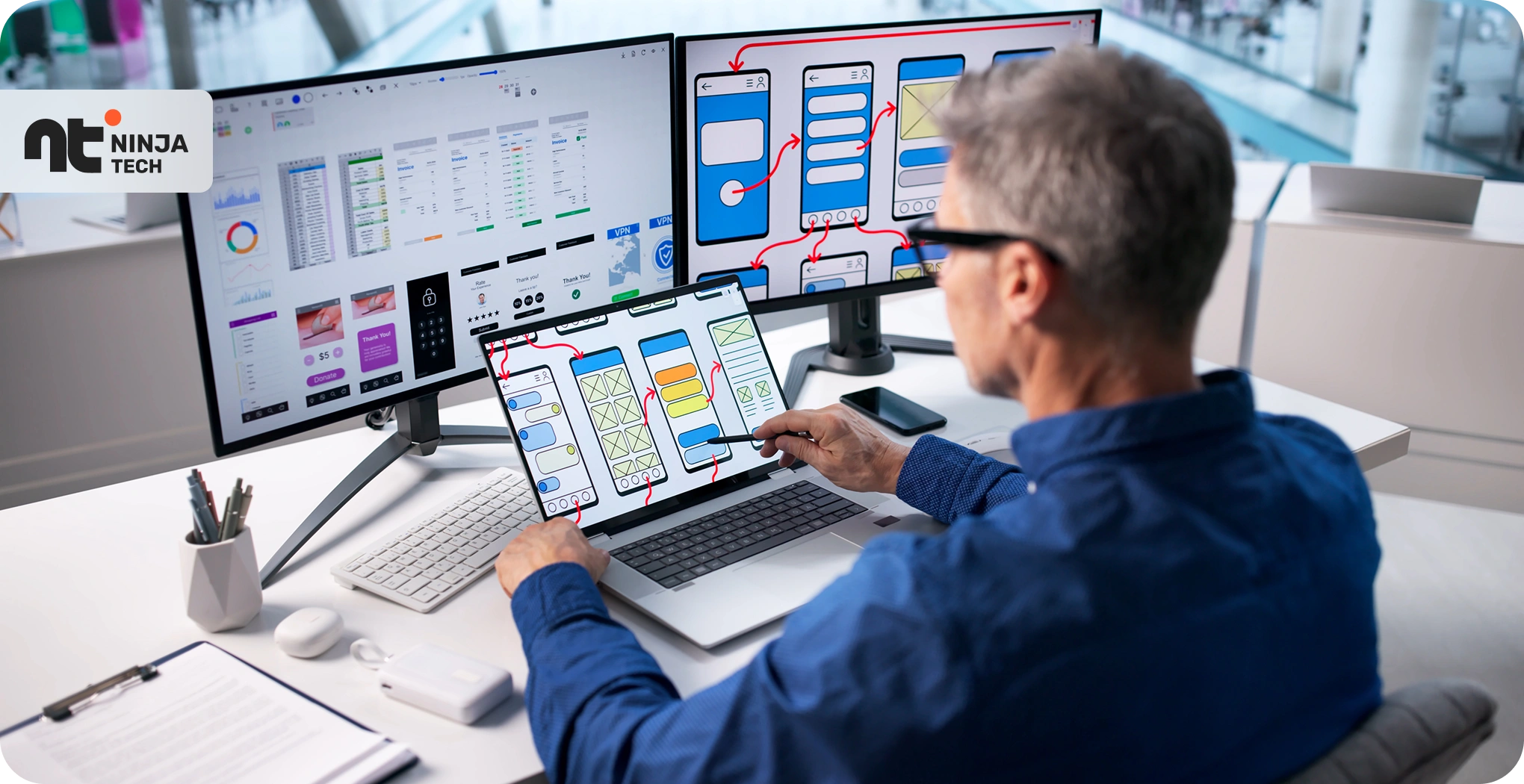
Whether you’re going custom or no-code, a proper wireframing phase — as outlined in A Complete Guide to Creating Mobile App Wireframe from Scratch — forces you to make architecture and flow decisions before they get costly. One team I worked with spent three weeks rebuilding their no-code app’s navigation after launch because they’d never mapped the user flow beforehand. The rebuild triggered a wave of support tickets and a measurable churn spike that month. Not catastrophic — but entirely avoidable.
Plan first. Both paths.
Here’s the at-a-glance version before the detailed breakdown:
| Factor | No-Code | Custom Development |
|---|---|---|
| Upfront cost | $0–$20,000 | $15,000–$500,000+ |
| Time to first launch | 2–8 weeks | 3–6 months |
| Scalability ceiling | Moderate | High |
| Annual maintenance | $18K–$42K (subscriptions) | 15–20% of build cost |
| Code ownership | No (platform-dependent) | Yes |
| Best fit | MVPs, internal tools | Long-term products |
You should seriously consider no-code if:
Speed-to-market matters here. A working no-code prototype in two weeks beats a perfect specification document.
Go custom when:
Build no-code to validate, then rebuild what matters in custom code. This isn’t hedging — it’s a legitimate product strategy. Plenty of successful products have taken exactly this path.
Some teams run their marketing front-end on Webflow while their core application runs on a custom backend. Others launch an MVP on Bubble, collect real user data to inform their architecture decisions, then rebuild only the highest-stakes modules in custom code.
The key is deciding upfront which parts are temporary scaffolding and which are permanent infrastructure. Treat everything as permanent, and migration becomes painful. Treat everything as temporary, and you build nothing worth keeping.
A simple no-code app can go from concept to launched in two to eight weeks. Custom development for an equivalent product typically takes three to six months. That gap narrows for complex applications — no-code tools don’t accelerate well once logic becomes intricate, and the apparent time savings often evaporate in debugging workarounds.
Some can, to a point. Platforms like Bubble have made meaningful infrastructure improvements, and apps with tens of thousands of users do exist on these platforms. But performance degrades under load in ways that custom-architected applications handle more gracefully. If you’re projecting high-volume traffic within 12–18 months, custom development is the safer long-term bet.
Yes, and more often than people expect. Your data can usually be exported, but your logic, workflows, and integrations cannot — they have to be rebuilt from scratch in code. The cost depends on how complex your no-code app has become, but budgeting $30,000–$80,000 for a mid-complexity migration is realistic. This is exactly why planning for your eventual platform matters from the beginning, not after you’ve outgrown the first one.
Investor perception depends heavily on the funding stage. For pre-seed, working software on any platform beats a pitch deck every time. But for later-stage rounds, investors will do technical due diligence — a no-code backend can raise concerns about scalability and defensibility that a custom codebase doesn’t trigger.
Neither path is universally cheaper. No-code wins when you need speed and your requirements are manageable. Custom development wins when you’re building something that needs to last, scale, or compete on technical depth.
The businesses that get this right aren’t loyal to a platform — they’re clear on what stage they’re in. If you’re still asking “is this idea worth pursuing?”, a no-code tool might be the smartest money you spend this quarter. If you’re past that phase, the resources linked throughout this post — on cost estimation, wireframing, and the full development process — are worth reading before you commit to either path.
Build smart. Build for where you’re going.

Learn how to create a mobile app from scratch in 9 steps — wireframing, API integration,...
How much does app development cost in 2026? Real benchmarks on build costs, timelines by complexity,...
Tell us about your product, platform, or business software requirement. We will suggest the right team structure, roadmap, and engagement model within 48 hours.