Web Development
Where Software Development Is Heading: Tools and Practices Shaping the Next Five Years
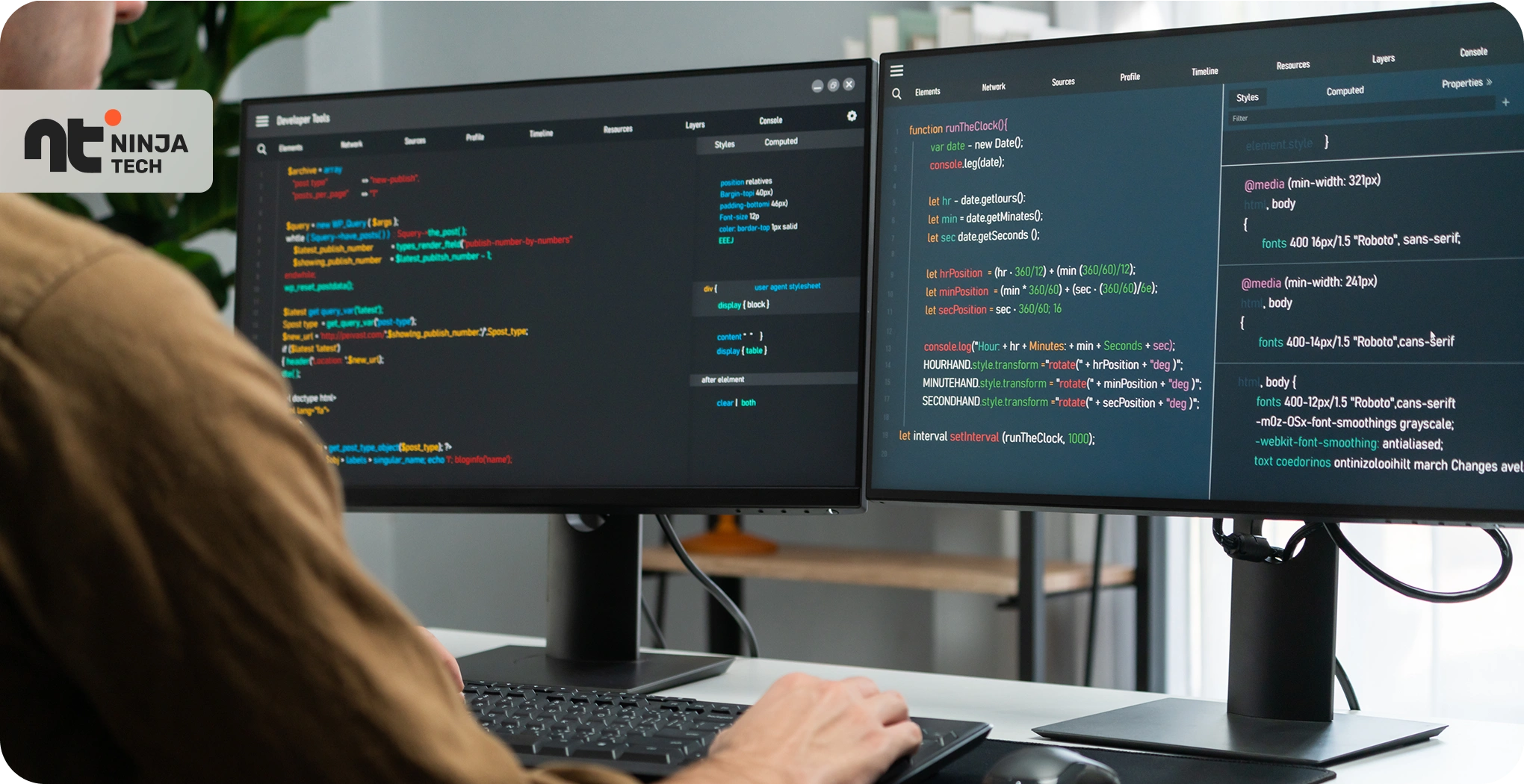
In 2020, a mid-level developer’s morning routine involved opening their IDE, pulling from main, and spending the first hour untangling a local environment that decided to stop working overnight. Today, that same developer might spend that hour reviewing AI-generated code their tools wrote while they slept.
That’s not hyperbole. It’s the actual pace of change hitting engineering teams right now.
The teams pulling ahead aren’t just using newer tools — they’re rethinking which problems developers should be solving at all. AI-assisted development, low-code platforms, workflow automation tools, and modern developer experience tooling are compressing the gap between an idea and working software. Teams building competency in these areas now will have a structural advantage before these practices become expected everywhere.
Here’s what’s worth paying attention to — and more importantly, what you should be doing about it.
AI-Assisted Coding Is Rewriting the Developer’s Job
The job title hasn’t changed. The work inside it has.
Tools like GitHub Copilot, Cursor, and Codeium have moved well past autocomplete. They’re now generating entire functions, writing test suites, and producing documentation drafts from a comment. Early productivity studies suggest developers using these tools spend 20–55% less time on routine coding tasks — boilerplate, repetitive logic, test scaffolding, the stuff that’s technically necessary but mentally taxing.
What AI Handles Well — and What It Doesn’t
AI is genuinely good at pattern-matching against common code structures. Ask it to generate a REST endpoint that follows your existing conventions and it usually nails it. Ask it to decide whether your authentication layer should use JWT or session tokens given your specific threat model, and you’ll get a confident-sounding answer that may or may not account for your actual constraints.
That distinction matters more than most people acknowledge. The best engineers I’ve seen adapt to these tools aren’t the ones who trust AI output blindly — they’re the ones who’ve recalibrated where their attention goes. Less time typing, more time reviewing, questioning, and catching the subtle errors that look right until they break in production.
Think about how AI chatbots for businesses handle customer support. They absorb the tier-1 load — password resets, order tracking, basic FAQs — which frees human agents for escalated, judgment-heavy cases. AI coding tools work the same way. The human layer doesn’t disappear. It moves upstream.
What you should do now: Pick one low-stakes project and use an AI coding tool consistently for a month. The goal isn’t to evaluate whether AI is “good” — it’s to understand where your judgment is still irreplaceable. You’ll know within a few weeks.
Low-Code Platforms Are Changing Who Gets to Build
Five years ago, if a product manager wanted an internal admin dashboard, they filed a ticket and waited. Sometimes weeks. Now they might build it themselves in Retool or Webflow in an afternoon.
That’s not a small shift.
The Rise of the Citizen Developer
Platforms like Retool, Bubble, and n8n have moved well past novelty. Product managers, analysts, and ops teams are building real tools — approval workflows, reporting dashboards, customer-facing forms — without writing a line of traditional code. For engineering teams, this creates a new kind of responsibility: you’re no longer just building things, you’re governing a broader ecosystem of things being built.
It’s one of the more direct examples of how AI reduces business operating costs. When a data analyst can build their own reporting tool instead of waiting three sprints for it, that’s not just faster — it’s cheaper. The developer time that would’ve gone into an internal dashboard now goes into the product itself.
Where Professional Developers Still Own the Stack
Low-code platforms aren’t replacing engineers. They’re redirecting them.
The work that requires a professional developer hasn’t shrunk — it’s shifted. Custom integrations that don’t fit any platform’s connector library. Performance-critical paths where abstraction adds too much overhead. Security boundaries where you can’t afford an ops person accidentally misconfiguring data access.
Workflow automation tools are platforms that connect apps and trigger actions between systems without requiring custom integration code. Zapier, Make, and n8n do this heavy lifting as connective tissue — moving data between systems, triggering notifications, automating handoffs. But someone still needs to design the APIs those tools talk to, and that person needs to understand the security and reliability implications.
| Task | Low-Code Appropriate? |
|---|---|
| Internal admin dashboard | Yes |
| Customer-facing checkout flow | Probably not |
| Approval workflow automation | Yes |
| Data pipeline with complex transforms | Depends on complexity |
| Auth/permission system | No |
Audit your backlog for “internal tooling” tickets this week. Anything that would’ve taken a sprint might now take a day with the right low-code platform. And set governance guardrails before your non-technical colleagues start building unsupervised.
Developer Experience Tooling Is Now a Retention Strategy
Here’s something that gets underweighted in conversations about engineering productivity: the quality of a developer’s tooling directly affects whether they stay.
This isn’t soft. Teams with strong developer experience practices consistently show higher deployment frequency, lower change failure rates, and — anecdotally — better retention. A developer who can spin up a local environment in minutes and ship a change without fighting their pipeline is a developer who feels effective. That feeling compounds.
The DX Stack Teams Are Standardizing On
The “works on my machine” problem is largely solved if you’re using dev containers or Nix-based reproducible environments. More teams are adopting these because the onboarding time drop is dramatic — new engineers who used to spend a day getting their local environment working are now starting in under an hour.
Observability is where teams are making their other big bets. OpenTelemetry adoption is accelerating because it gives teams vendor-neutral instrumentation. Pair that with AI-assisted log analysis — tools that surface anomalies and summarize what went wrong rather than making you grep through thousands of lines — and your incident response time compresses significantly. It’s the same logic behind AI customer support tools: they triage and summarize before a human reviews, reducing mean time to resolution without adding headcount.
AI-Powered Search Inside the Codebase
This one’s underrated. Natural language queries across a large codebase — “where do we handle expired session tokens?” — save real time. It’s not just convenience; it cuts ramp time for engineers working in unfamiliar parts of a large repo.
Run an honest survey of your team’s daily friction points: time-to-first-commit for new hires, CI pipeline wait times, local setup complexity. Pick the highest-friction item and treat it as a product problem worth solving this quarter.
How AI-Powered Search Is Changing Where Developers Find Answers
If your team publishes any technical content — documentation, blog posts, API references — the way developers find it has changed.
Stack Overflow’s traffic has been declining. Developers are increasingly querying AI-powered search engines directly, expecting synthesized answers rather than a list of links. Google AI Overviews now appear for many technical queries, pulling from structured, authoritative sources. The search engine ranking factors that mattered five years ago — keyword density, backlink volume — are less predictive of AI search visibility than content structure and factual precision.
Early patterns around how to rank in AI-generated answers are becoming clear: content that gets surfaced tends to be organized with headings that answer specific questions, uses precise technical language, and provides concrete examples. Google AI Overviews optimization is less about frequency of terms and more about whether each section of your content could stand alone as a useful answer.
For teams managing developer documentation or technical blogs: write the answer first. Put the clearest version of it at the top of each section. Use definition patterns and comparison tables. Honestly, those structures also happen to make content better for human readers — which is usually how you know you’re on the right track.
Building a Competency Roadmap: A Practical Framework
Trends are useful. Timelines are better.
| Timeframe | Priority Actions |
|---|---|
| Now (0–12 months) | Adopt AI coding tools on at least one team; establish low-code governance; close your worst CI/CD friction points |
| Next (1–3 years) | Build platform engineering as a dedicated function; add AI-assisted code review to your pipeline; track DX metrics alongside product metrics |
| Horizon (3–5 years) | Agentic development workflows; full semantic search over internal knowledge; connect DX metrics directly to business outcomes |
Teams that track developer velocity alongside revenue indicators like average order value (AOV) are starting to quantify what “engineering productivity” actually means for the business — beyond lines of code or sprint velocity. That connection to measurable business impact is what gets DX investment taken seriously at the executive level.
Frequently Asked Questions
Will AI coding tools replace software developers?
No — and the framing misses the point. AI tools are changing what developers spend their time on, not eliminating the need for developers. Routine code generation, test scaffolding, and documentation are increasingly AI-assisted. Architecture decisions, security tradeoffs, system design, and complex debugging still require human judgment. The engineers most at risk are those not adapting their skill set toward higher-order work, not those using AI tools.
What’s the difference between low-code and no-code platforms?
Low-code platforms require some technical knowledge — you’ll often write small scripts, configure APIs, or understand data structures. No-code platforms are designed to require zero coding knowledge at all. The distinction matters for governance: no-code tools in the hands of non-technical teams need clearer guardrails, since errors are harder to trace and debug. For most engineering teams, low-code is the more relevant category because it still requires someone who understands what’s happening under the hood.
How should engineering teams approach AI search visibility for their documentation?
AI search visibility improves when documentation is structured with clear headings that each answer a specific question, uses precise technical language, and includes concrete examples rather than vague descriptions. Think less about keyword density and more about whether each section of your docs could stand alone as a complete, useful answer to something a developer actually searched for. Definition patterns and comparison tables are particularly effective — they’re the structures AI crawlers extract most reliably.
When do workflow automation tools make sense versus custom integration code?
Workflow automation tools make sense when you’re connecting well-supported SaaS products, handling straightforward data handoffs, or automating processes that non-technical team members will need to maintain. Custom integration code is the right call when you need fine-grained error handling, complex data transformations, or reliability guarantees that no-code connectors can’t provide. A good rule of thumb: if an ops person could reasonably be expected to debug it, a workflow automation tool is appropriate.
The Bottom Line
The teams that will be well-positioned five years from now aren’t the ones chasing every new tool announcement. They’re making deliberate, sequenced investments: AI coding assistance first, then low-code governance, then DX tooling, then a coherent internal platform.
Pick one of those and make it meaningfully better this quarter. The compounding effect of consistent improvements to how your team builds is the closest thing to a durable advantage in software development.
Start with whatever causes your engineers the most friction today. That’s the right place to begin.